
Data & Organization
PDF to Spreadsheet Conversion
Turn tables from supplied PDFs into an organized spreadsheet.
Starting from$39USD
Final pricing depends on your files, scope and requirements.
Timing confirmed in your estimate.
The work
What this service includes
Selected table transfer
Transfer the tables and pages agreed with you from supplied PDFs into a spreadsheet.
Clear column structure
Arrange the extracted entries into the column headings and row structure you need.
Entry handling
Flag unclear or unreadable entries for clarification using the approach agreed before work begins.
Output preparation
Prepare the converted table data in the spreadsheet format confirmed in your estimate.
A closer look
From a PDF table.
To a working spreadsheet.
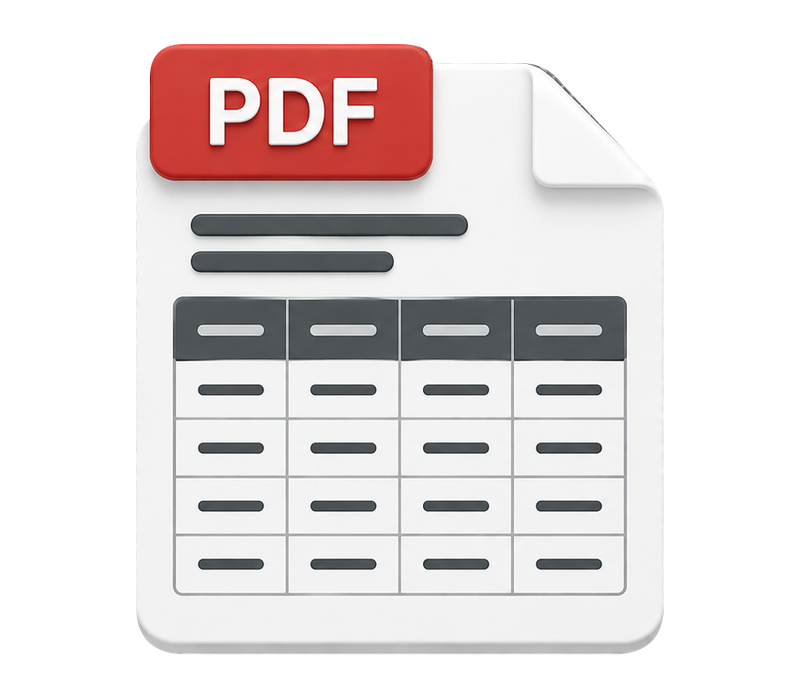
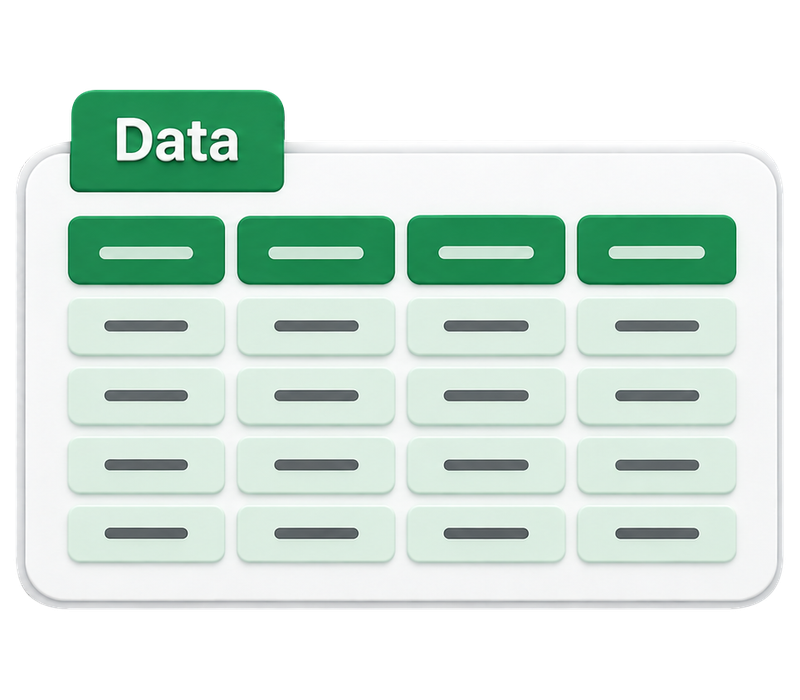
Agreed tables transferredClear columns and rows
| Item | Quantity |
|---|---|
| Notebook | 12 |
| Folder | 8 |
| Binder | 6 |
| Item | Quantity |
|---|---|
| Notebook | 12 |
| Folder | 8 |
| Binder | 6 |
Illustrative table conversion. The same entries move from a PDF table into spreadsheet cells. The values stay as supplied. Pages, output structure and handling of unclear entries are agreed for your files.
The result
What you receive
- A spreadsheet containing the agreed tables from your supplied PDFs.
- Unclear entries flagged as agreed with you, alongside the completed file in your confirmed output format.
Prepared around your agreed requirements.
Your part
What we need from you
The original PDFs and the pages or tables you want converted.
Your required column headings, spreadsheet format or a reference template.
Instructions for repeated headers, totals, footnotes and unclear entries.
The approximate page count and any deadline we should consider.
A clear scope,
before we begin.
The scope covers transferring agreed table information from supplied PDFs. Recreating the original page design, researching missing values, developing formulas and processing additional documents require separate agreement. Scanned or low-quality PDFs are reviewed before we confirm what can be converted.
How it happens
From request
to delivery
Agree the work first.
Know what happens next.
Send requirements
Share your files, instructions, and the result you need.
Receive your estimate
We review the requirements and confirm the scope, final price, deliverables, and timing.
Accept the estimate
Review the details and decide whether to proceed. Requesting an estimate does not commit you to the work.
Receive a private invoice/payment link
After acceptance, we send the information you need to complete payment privately.
Payment confirmed
Payment is confirmed before work begins.
Work begins
We complete the service according to the agreed scope and instructions.
Review and delivery
The completed work is reviewed against the agreed requirements and sent using the agreed delivery method.
Useful answers
Before you send your files
Can you work from scanned PDFs?
Send the original file so we can review its legibility and table structure. Scans may need additional work, and some entries may be unreadable. We confirm what can be converted, how to handle unclear entries and any effect on price before work begins.
Will the spreadsheet look exactly like the PDF?
The focus is a usable column and row structure for the agreed data. It is not a recreation of the original page layout. Share any formatting or template requirements so they can be included in the confirmed scope.
What happens when a value is unclear?
We follow the handling rules agreed with you and flag unclear entries for clarification. Missing or unreadable values are not filled in by guessing or researching them unless additional work is separately agreed.
How are the price and delivery timing confirmed?
We review the number of pages and tables, layout complexity, file quality, output requirements and deadline. Your estimate confirms the final scope, price and delivery timing. Payment is arranged privately after you accept.
Have tables inside a PDF?
Tell us what you need. We’ll confirm the scope, price, and timing before you decide to proceed.